For Wedding and Event Organizers: That Endless Rundown in the WhatsApp Group Finally Has a Home
Contents
Anyone on a wedding organizer team knows this scene. Three days out, the latest rundown goes to the group. A few minutes later there's a revision. The decor vendor still has yesterday's version, the MC is reading the one before that, and then comes the legendary message: "which one is the final one?"
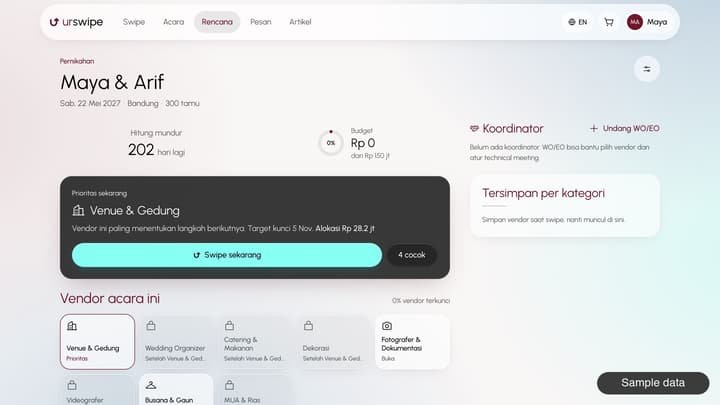
Urswipe doesn't try to kick WhatsApp out of the event world. The organizer module in its studio holds the main data, while WhatsApp stays the delivery route. We opened the module one piece at a time.
Today, across projects
The Today page pulls together tasks due, vendors who haven't confirmed or acknowledged the rundown, late client invoices, plus that day's meetings and events, across every project you're handling. So you don't have to open them one by one each morning.
A rundown that knows its version
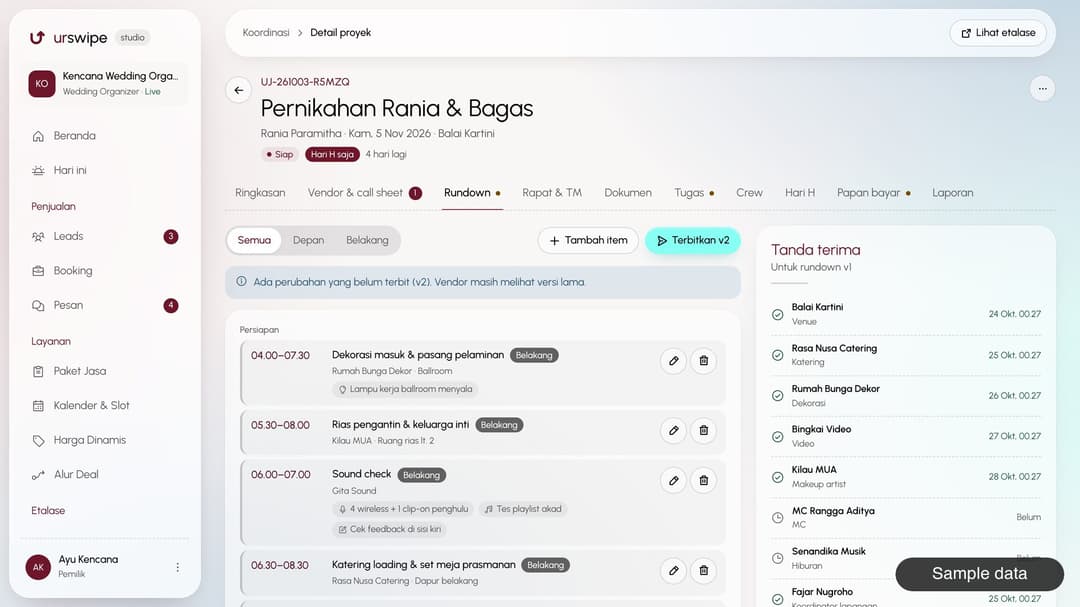
The rundown has two layers: front for the client and MC, back for technical needs. Every published version must have a change note, and republishing resets the acknowledgements. So you can see which vendors have confirmed the latest version.
Vendors and crew just open the link you share, with no install and no login. Each vendor can also get a micro view of just their part.
From technical meeting to the big day
- Call sheet. PIC, arrival time, loading schedule, power needs, standby points, plus the family or corporate committee. It exports to a print-ready PDF, because phones can die on site.
- Meetings and technical meetings. Schedule, minutes, decisions, and follow-ups that become tasks.
- Tasks. Countdown templates per event type, with owners and deadlines.
- Crew. Assignments, call times, confirmations, and clashes between projects.
- Event day. Vendor and crew check-in by link (arrived, ready, done), alerts when a vendor hasn't arrived, and incident reporting.
- Post-event report. What went well, problems and fixes, plus private vendor scores for your next project.
Client money doesn't go through you, and that's good news
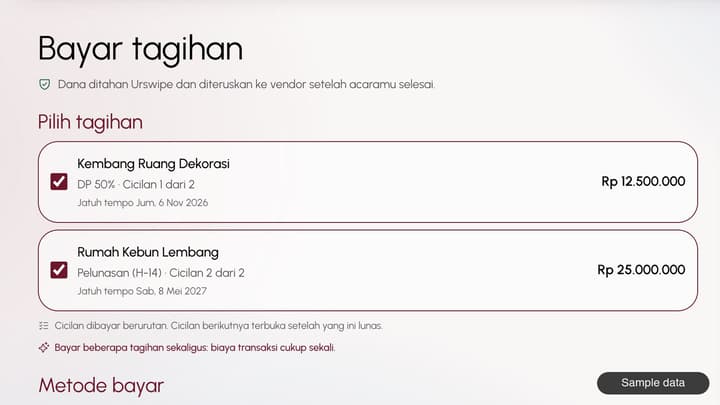
On Urswipe, invoices are issued in the client's name and paid by the client to an Urswipe holding account. Organizers see the status of down payments, installments, and final payments on the payment board, and can send the client a reminder. For organizers who do their job properly, this means no more holding client money in your own account.
Vendor curation, with client permission
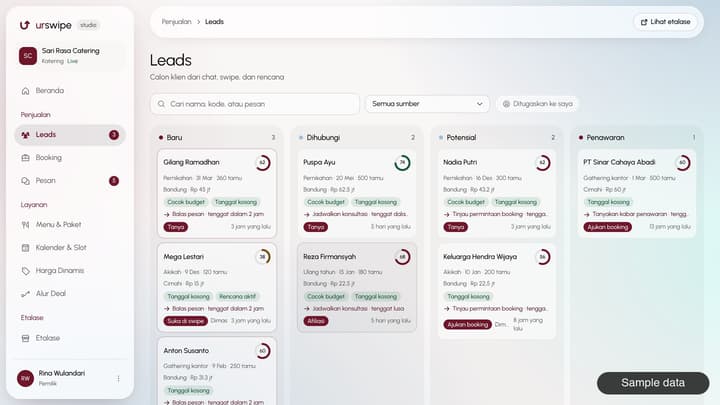
Clients give access to their plan with a scope they can set and revoke. Organizers can then suggest vendors with a reason and an estimated price, and the client chooses to approve, ask, or decline.
Organizers can earn a curation reward from Urswipe's share of the commission, and this is disclosed openly to clients:
The coordinator receives part of Urswipe's commission; your price doesn't go up.
Urswipe About page
That reward has conditions, one being that your own organizer service is booked and paid through Urswipe for the same event. The amount follows the current program. Regular vendors who haven't joined can still take part in project coordination, and you can invite them to Urswipe.
What's not there yet
Some things are still out of scope: automatic WhatsApp notifications, all-in packages with a single payment schedule, and corporate billing profiles. If your workflow depends on these, ask the Urswipe team when you apply.
The WhatsApp group may stay busy. But when someone asks "which one is the final one?", the answer is now just one link.
Note: this article is published by Urswipe and covers Urswipe's own product.
FAQ
Do vendors need to install an app to see the rundown?
No. Vendors and crew just open the link you share, with no install and no login.
Does client money go through the organizer's account?
No. Invoices are issued in the client's name and paid to an Urswipe holding account. Organizers only see the status on the payment board.
Can regular vendors who haven't joined take part in a project?
Yes, for coordination, and you can invite them to Urswipe.
Are organizers paid to recommend vendors?
Organizers can earn a curation reward from Urswipe's share of the commission, under certain conditions. This is disclosed to clients, and the client's price doesn't go up.
Does this module suit corporate event organizers?
Projects, rundowns, call sheets, and meetings all work. Corporate billing profiles aren't available yet, so ask first if your workflow depends on them.