Tired of 'Pricelist Please?' Followed by Silence? Urswipe Opens a Partner Route for Event Vendors
Contents
If you run a catering, decor, or photography business, you know this scene. A DM comes in: "pricelist please?". You reply with everything. Then silence. The next day the same question arrives again, this time with no date, no guest count, and no budget.
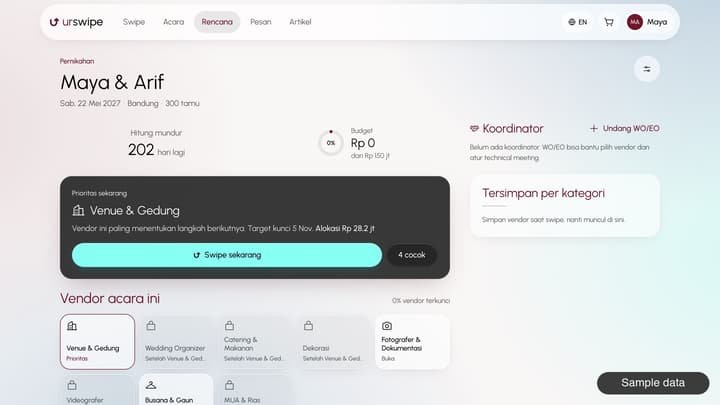
Urswipe tries to flip that order. Clients on the platform can build an event plan first, so requests can arrive with the date, city, guest count, and budget from the start. We checked what vendors actually get in the studio, including the parts you should think twice about.
A storefront that feels like content
Vendor work shows up in the swipe feed through photos and videos, then links to their own storefront: hero, highlights, packages, portfolio, deal flow, and reviews. You can set the look and section order from the studio.
The package form follows your category too. Venues fill in capacity and parking, caterers fill in minimum pax, menu, halal status, and food tasting, and photographers fill in duration and albums. So you aren't forced into the same form as a completely different business.
You run the calendar, pricing, and deal flow
- Calendar and slots. Set your available dates and slot rules.
- Dynamic pricing. Package prices can change automatically by day, season, and quantity. For example, a percentage bump on weekends, or a lower per-pax price for large orders.
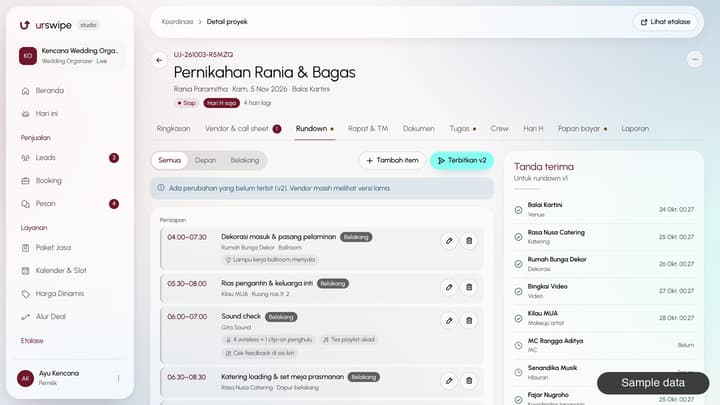
- Deal flow. Set the steps per service, such as consultation, food tasting, offer, down payment, and final payment.
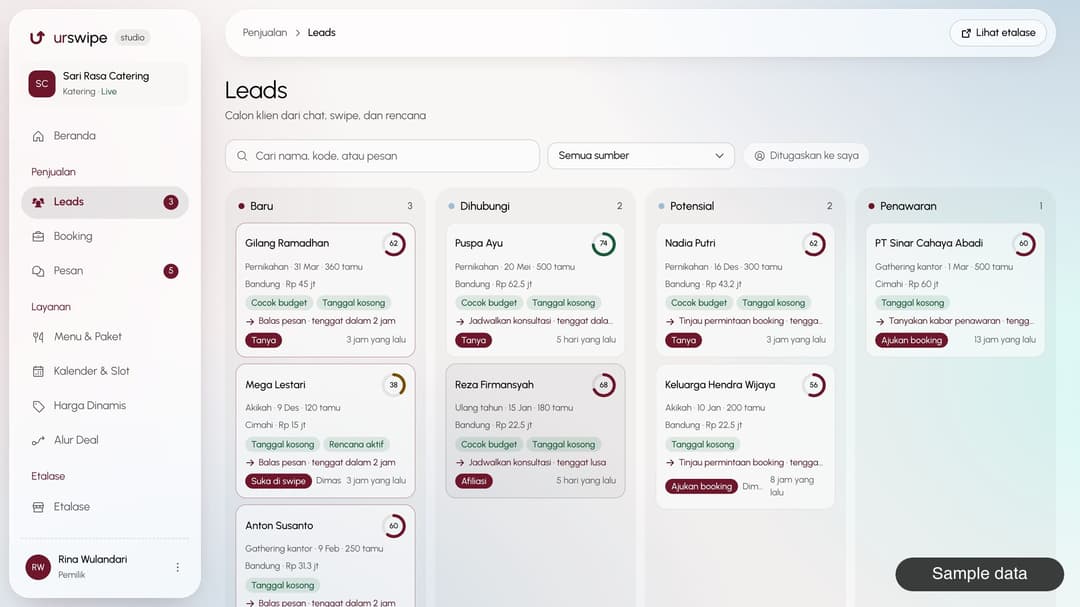
- Leads. Prospects land on a kanban board with a score and a suggested next action, so you know who to answer first.
- Team. You can invite team members to the studio.
The money part, upfront
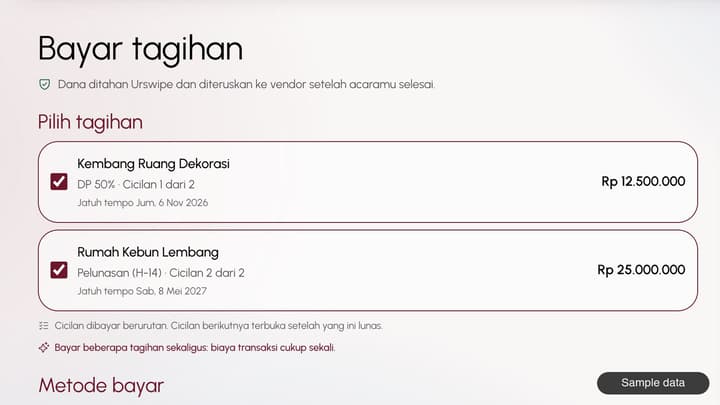
Clients pay through Urswipe, not into your personal account. In the Finance menu you can see your held balance, withdrawable balance, and release schedule. When you withdraw, the commission deduction is shown before you confirm.
Commission is set per vendor through an MOU, so there's no single number for everyone. The rate is locked when an offer is accepted, so a mid-way MOU change doesn't affect bookings already in progress.
The studio also has an affiliate menu: links for inviting other vendors or clients, with rewards under the current program.
What to think about
- Funds don't release immediately. Unless your MOU says otherwise, funds can be withdrawn after the event is done. If you need working capital upfront, discuss an early release portion when the MOU is drawn up.
- Your contacts stay hidden. Your phone and WhatsApp aren't shown on public pages. Clients reach you through Urswipe chat.
- The big day has consequences. If a vendor fails to deliver, Urswipe can apply a penalty and move funds to a replacement vendor.
- Edits need review. After going live, profile and package changes wait for staff approval. Calendar and dynamic pricing changes apply right away.
How to join
- Fill in the partner application: business details, category, city, contacts, and portfolio.
- The Urswipe team reviews it and may ask for more information.
- If approved, you're invited to the studio.
- Complete the checklist: profile and storefront, at least one package, slot rules, deal flow, at least three reel media, documents, and a payout account.
- Once your MOU is active and your go-live request is approved, your storefront appears on Urswipe.
The process is longer than a self sign-up, and that's on purpose. Clients know the vendors in the feed have been reviewed. For serious vendors, it also means not just anyone can pop up next to your work.
"Pricelist please?" DMs may never die out. But at least there's now another route, where clients arrive with a date in hand.
Note: this article is published by Urswipe and covers Urswipe's own product.
FAQ
Can I sign up directly as a vendor?
No. You submit a partner application first, the Urswipe team reviews it, and you're invited to the studio if approved.
How much commission does Urswipe take?
Commission is set per vendor through an MOU, so there's no single number for everyone. The deduction is shown when you withdraw funds.
When can I withdraw funds?
Unless your MOU says otherwise, funds can be withdrawn after the event is done. You can see the release schedule in the Finance menu.
What do I need before my storefront goes live?
A profile and storefront, at least one package, slot rules, a deal flow, at least three reel media, documents, a payout account, and an active MOU.
If my prices change after going live, do I have to wait for review?
Base package prices go through staff review. Calendar and dynamic pricing rules apply right away.